Try it on a photo of your own room
Homie runs every idea on this site on your actual room — redesign, staging, paint palette and a cost estimate, in under a minute.
AI tool · Room Redesign
Room Redesign keeps your walls, windows and layout exactly where they are and changes everything else: furniture, colours, textiles, lighting. Pick from 12+ interior styles or describe your own.
Free account, no card. Results in under a minute.
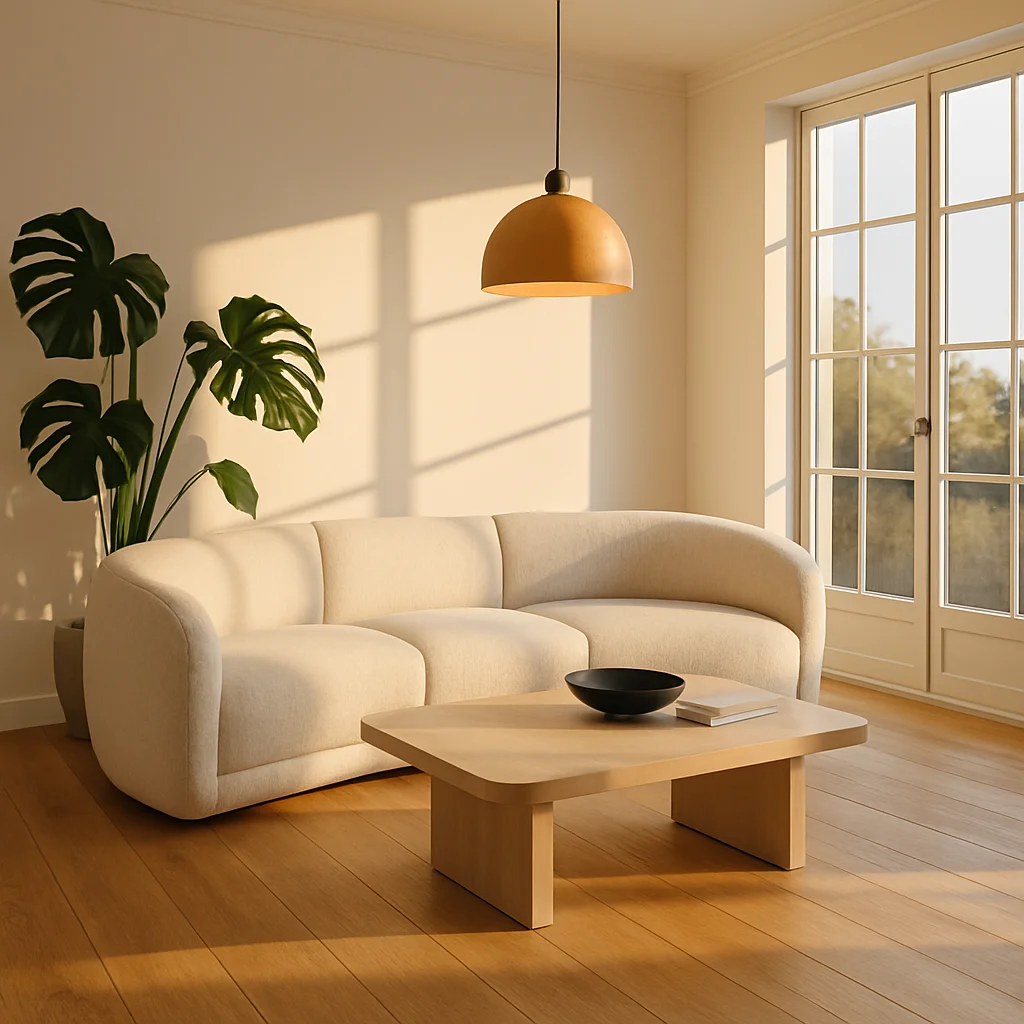
Before & after
Every “after” is an unedited Homie output of the “before” photo — same room, same camera angle.
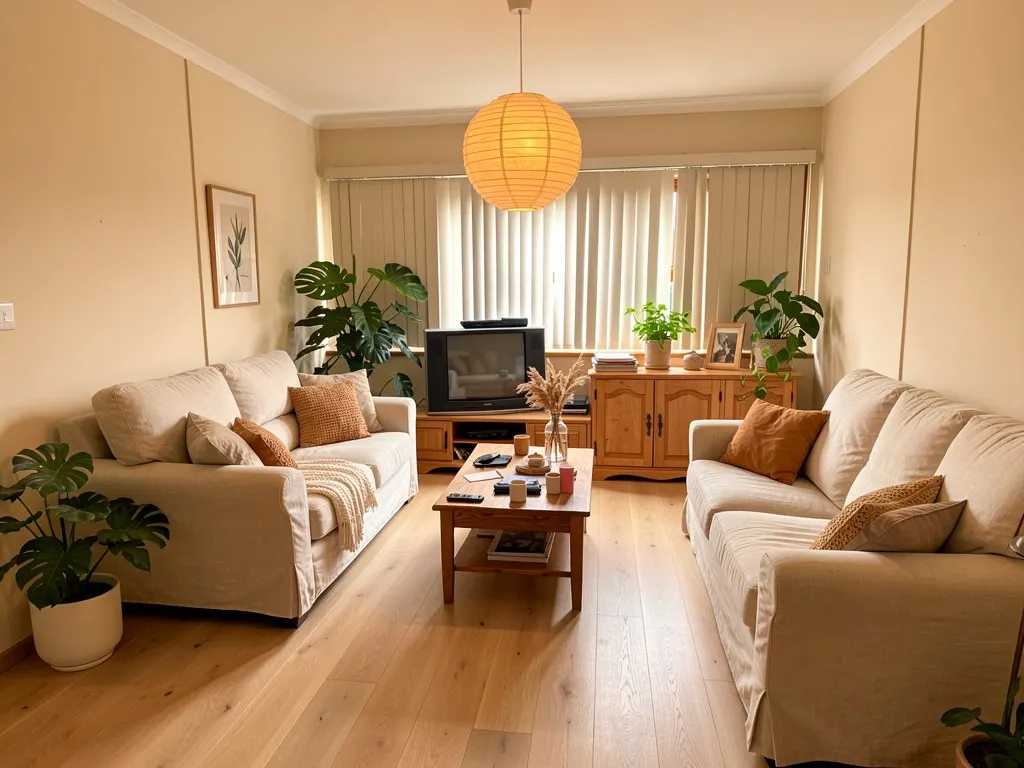
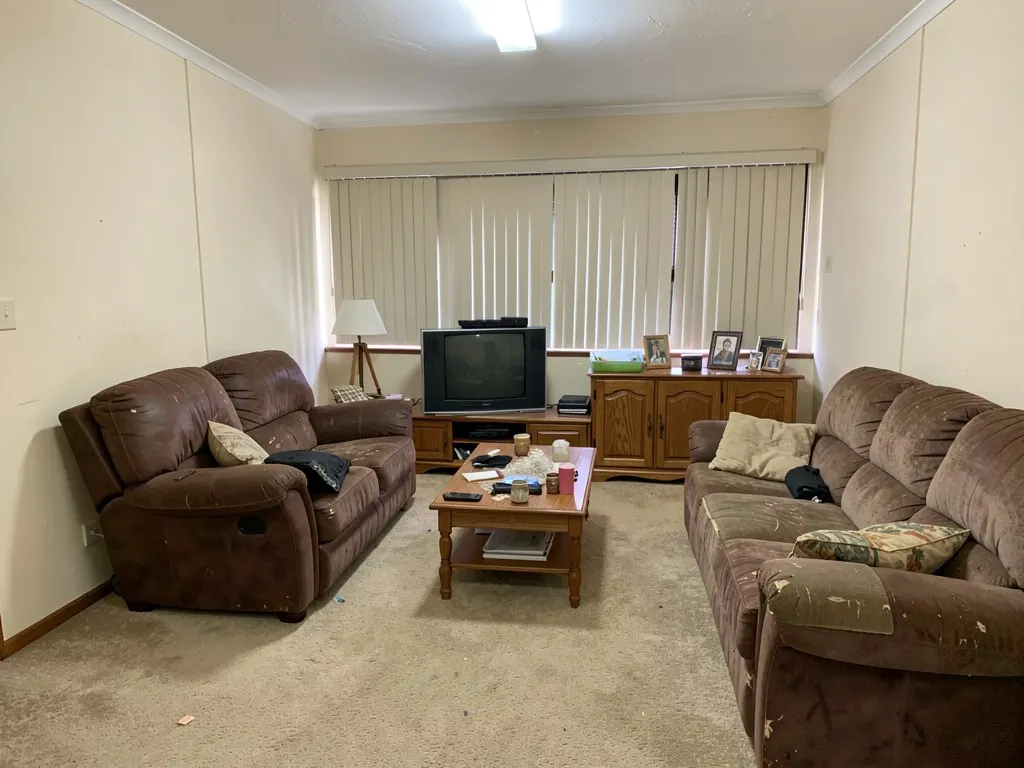 Before After
 What you get back
How it works
One shot from the doorway, floor visible, daylight on. No measuring, no floor plan.
Redesign, stage, repaint or rebuild it from text — in any of 12+ interior styles.
A shoppable furniture list, the paint palette and a cost estimate come with every result — start with a free account, then choose Pro when you need more designs.
No. Walls, windows, doors and the camera angle stay put. Only furniture, finishes, colours and lighting change, so what you see is buildable in the room you have.
One shot from the doorway or a corner, floor visible, daylight on, no heavy crop. A phone photo is fine.
The other 7 tools
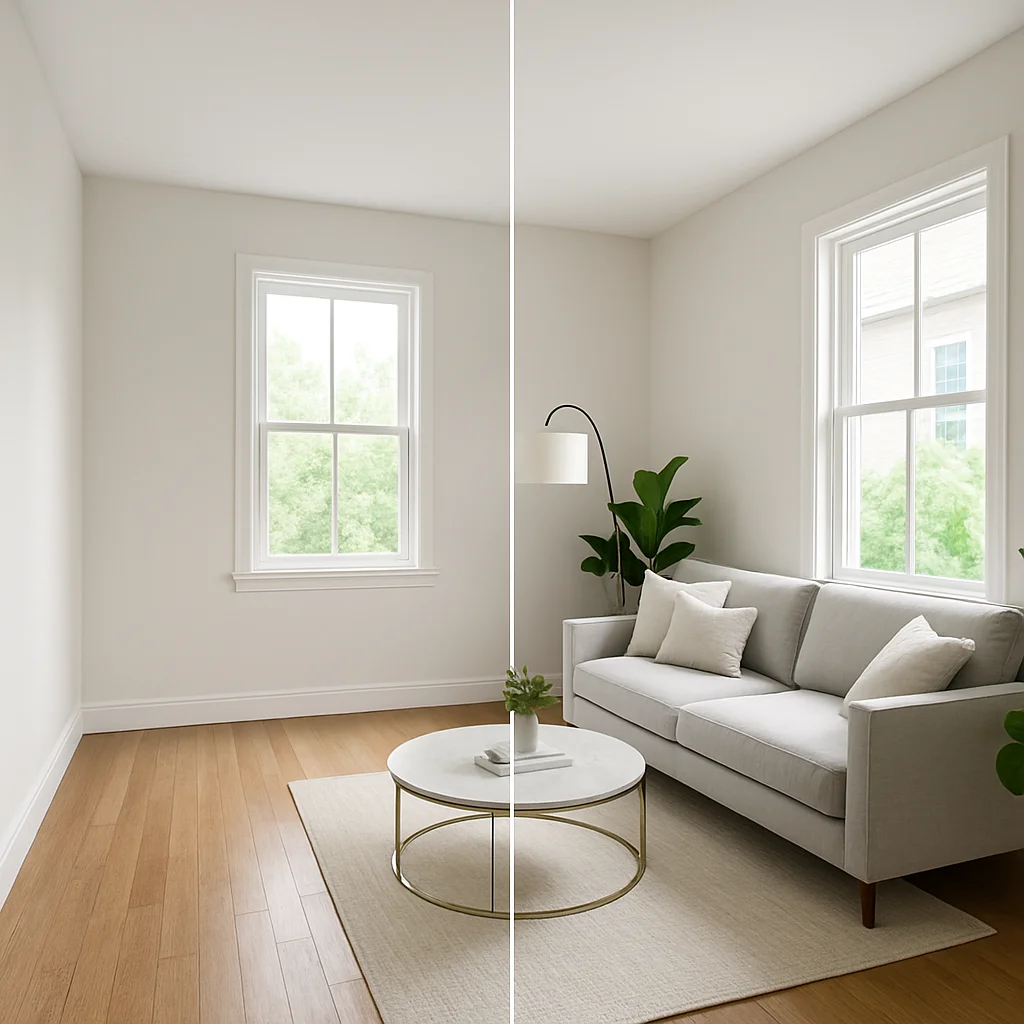 Virtual Staging Furnishes an empty room for listing photos — same shot, shown here as one image split down the middle.
 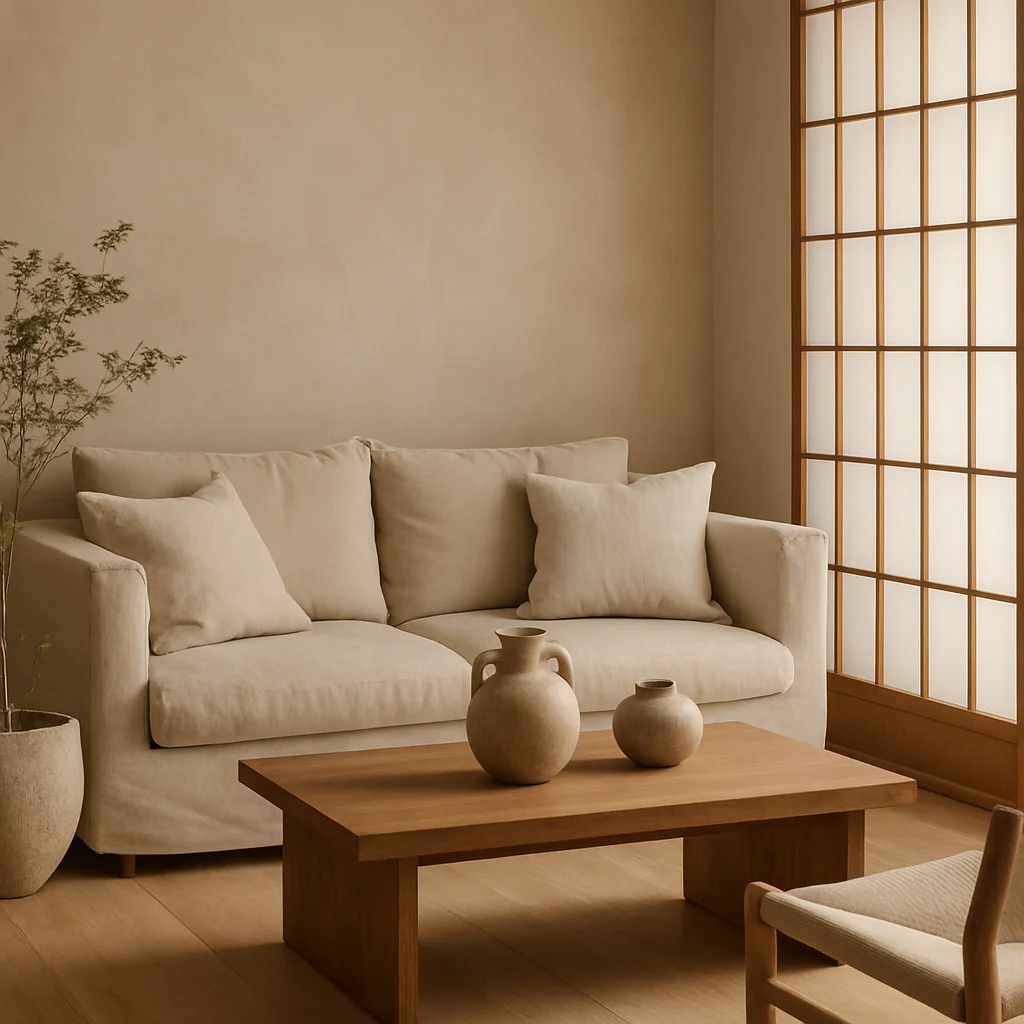 Style Transfer Carries a style — Japandi, mid-century, coastal — into any room without changing its shape.
 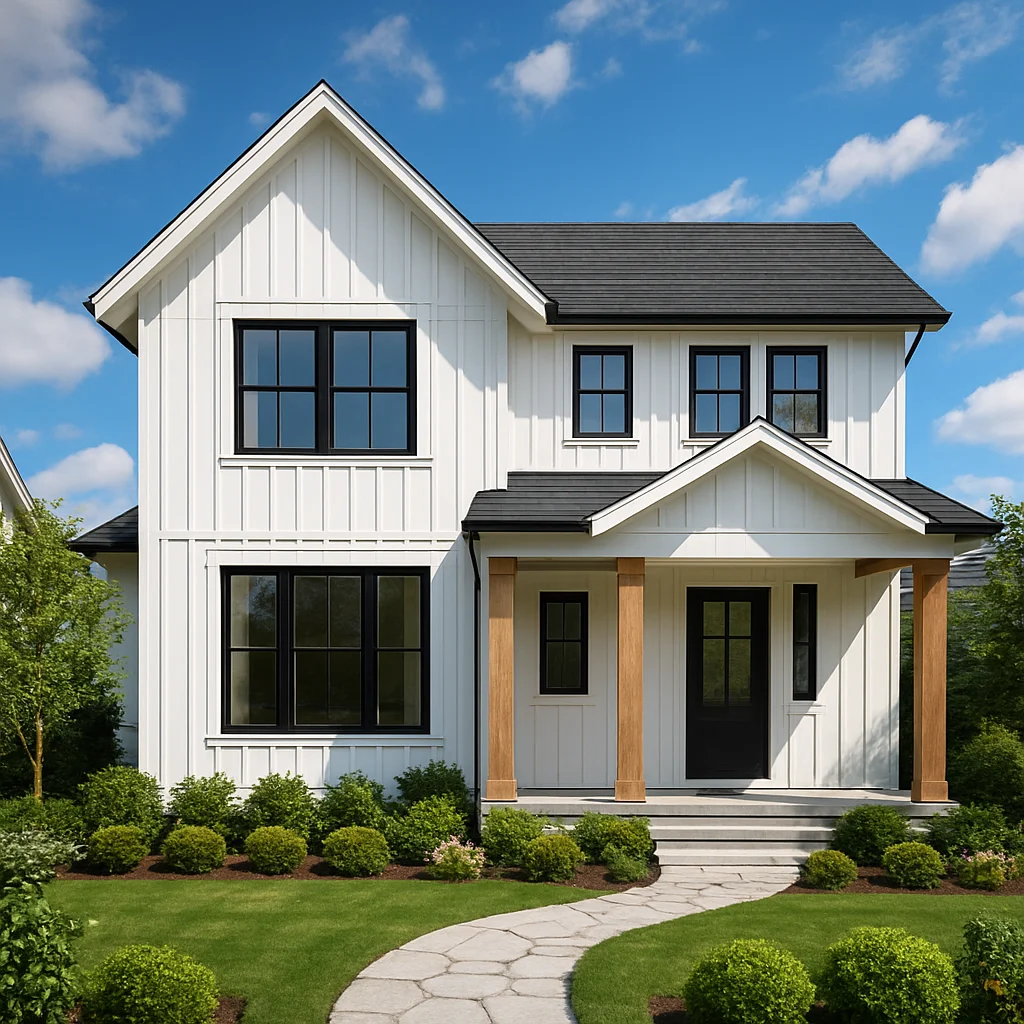 Exterior Redesign Redoes siding, roofline color and landscaping on a house facade.
 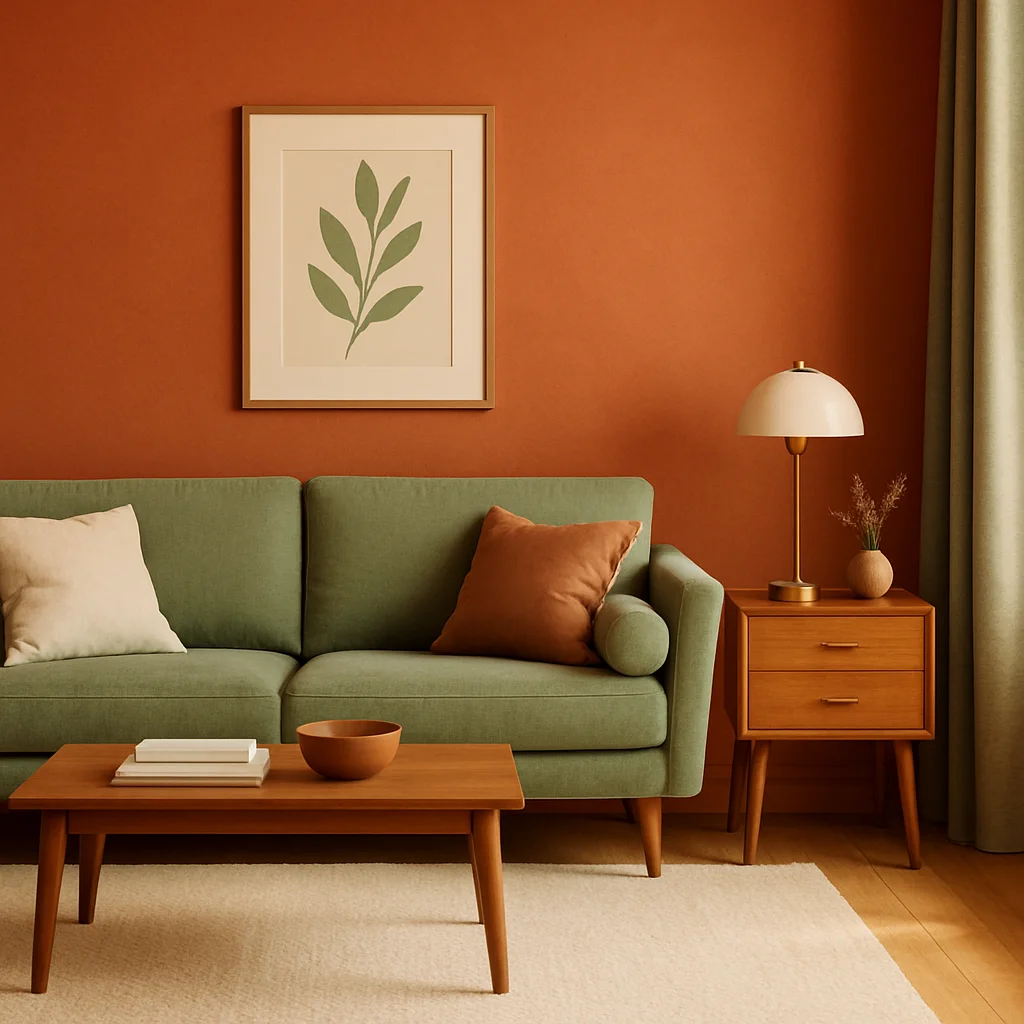 Color Palette Repaints walls, trim and accents in a coordinated palette pulled from the chosen style.
 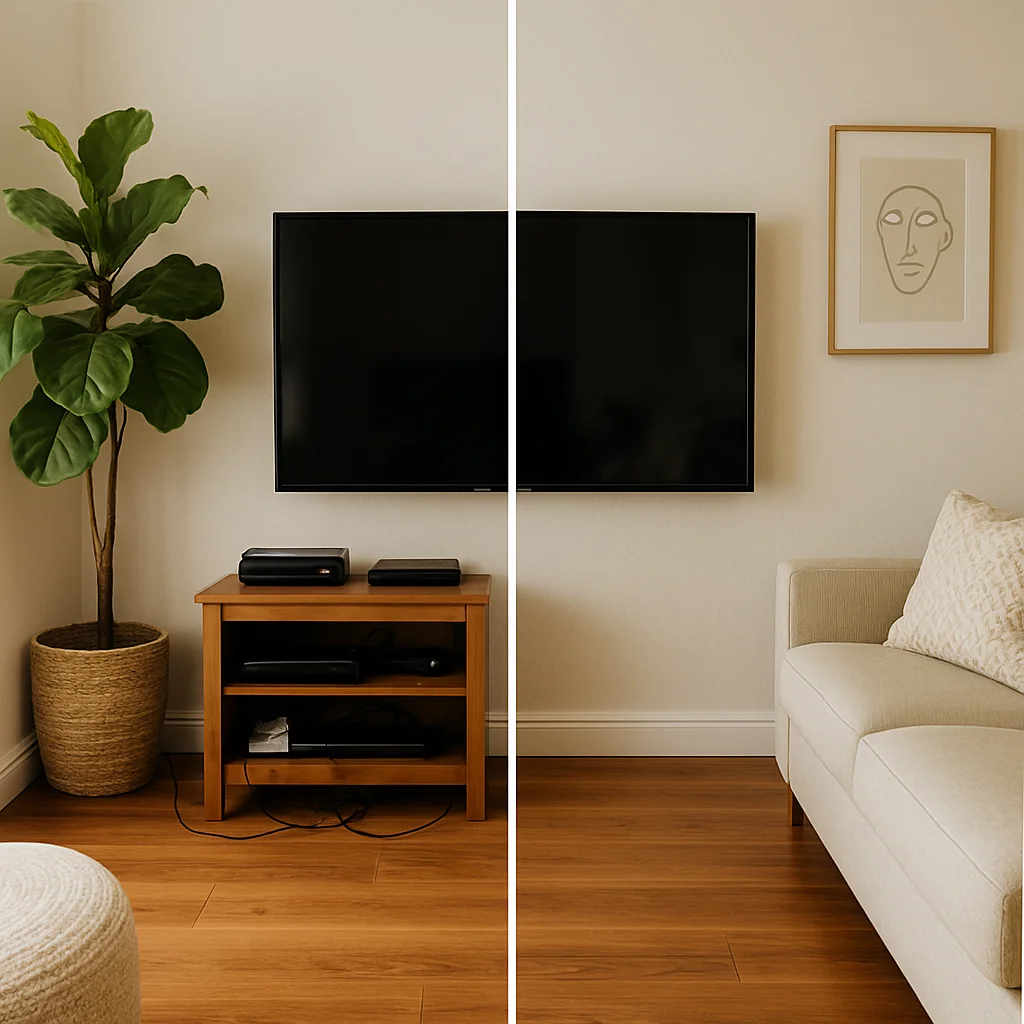 Object Removal Clears clutter or fixtures from a shot without disturbing the rest of the room.
 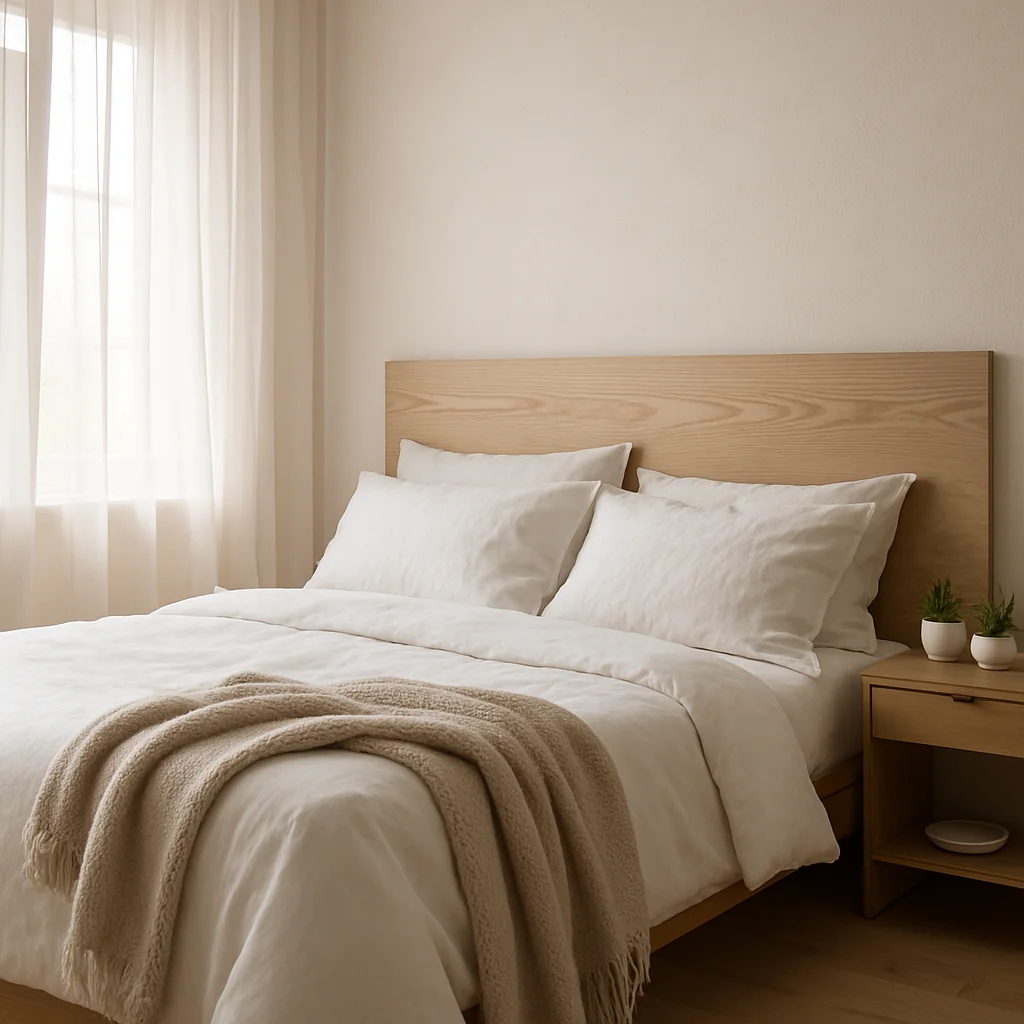 Text to Room Builds a room from a written description alone — no starting photo needed.
 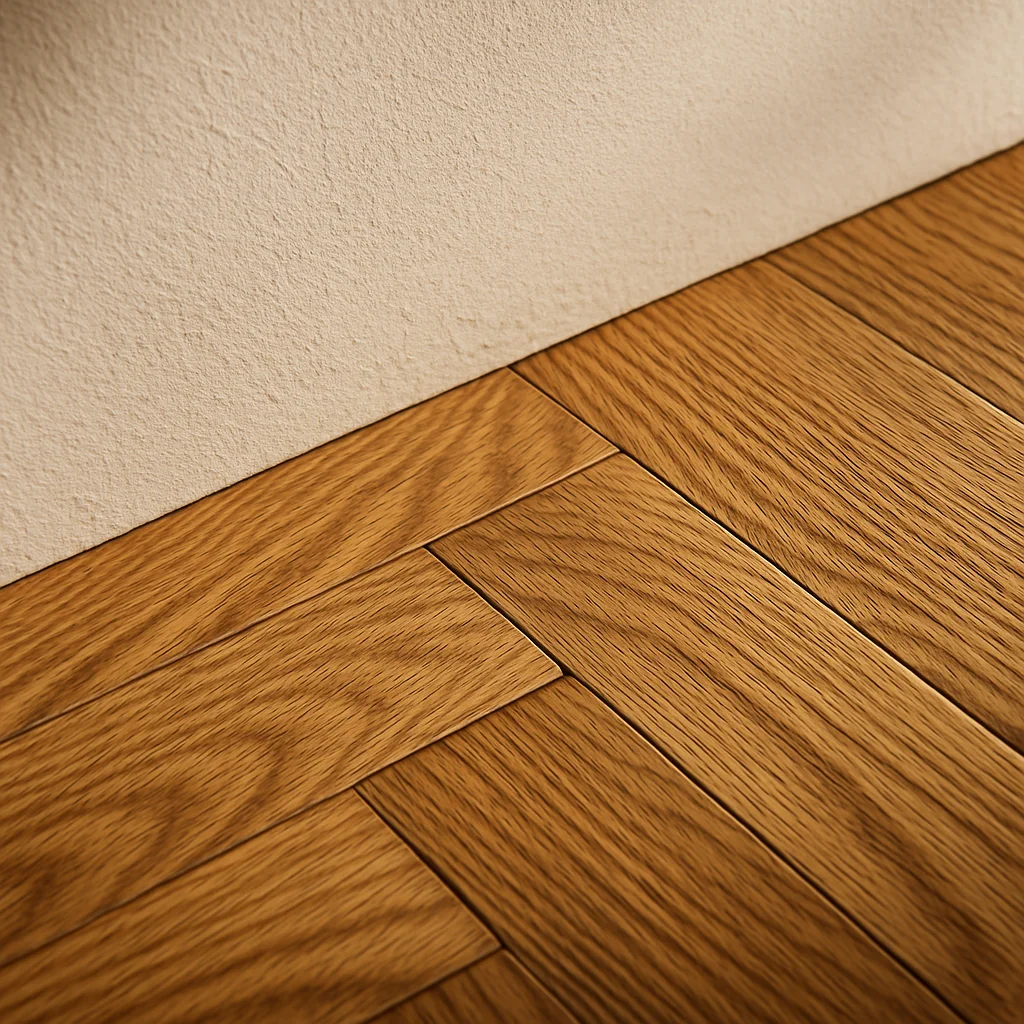 Upscaler Sharpens a generated result to real print and export resolution.
 Homie runs every idea on this site on your actual room — redesign, staging, paint palette and a cost estimate, in under a minute.