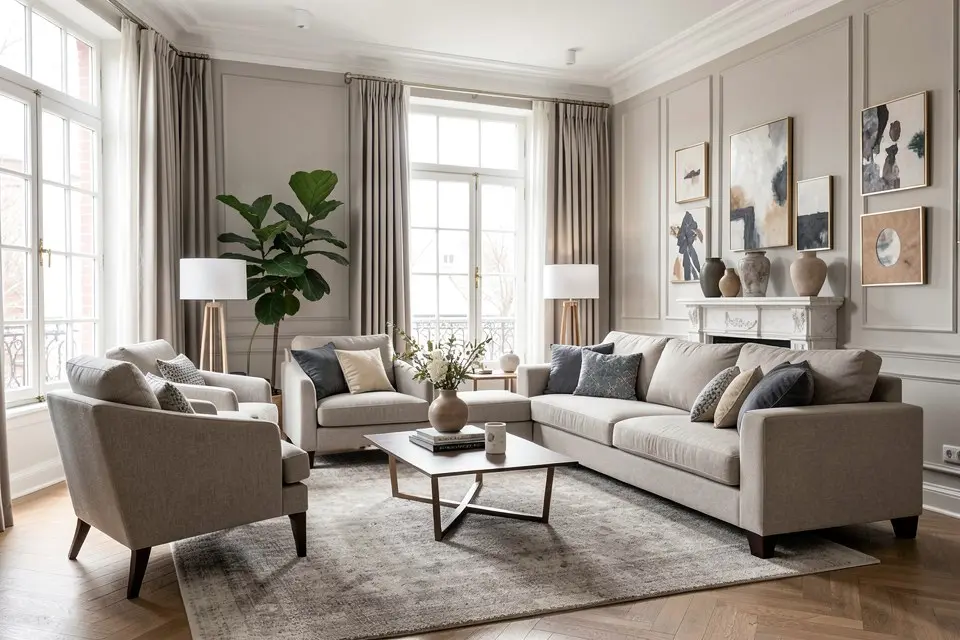
Try it on a photo of your own room
Homie runs every idea on this site on your actual room — redesign, staging, paint palette and a cost estimate, in under a minute.
AI tool · Upscaler
The Upscaler takes any Homie result or room photo and increases resolution without the waxy look, so it holds up on a portal, in a brochure or on a wall.
Free account, no card. Results in under a minute.
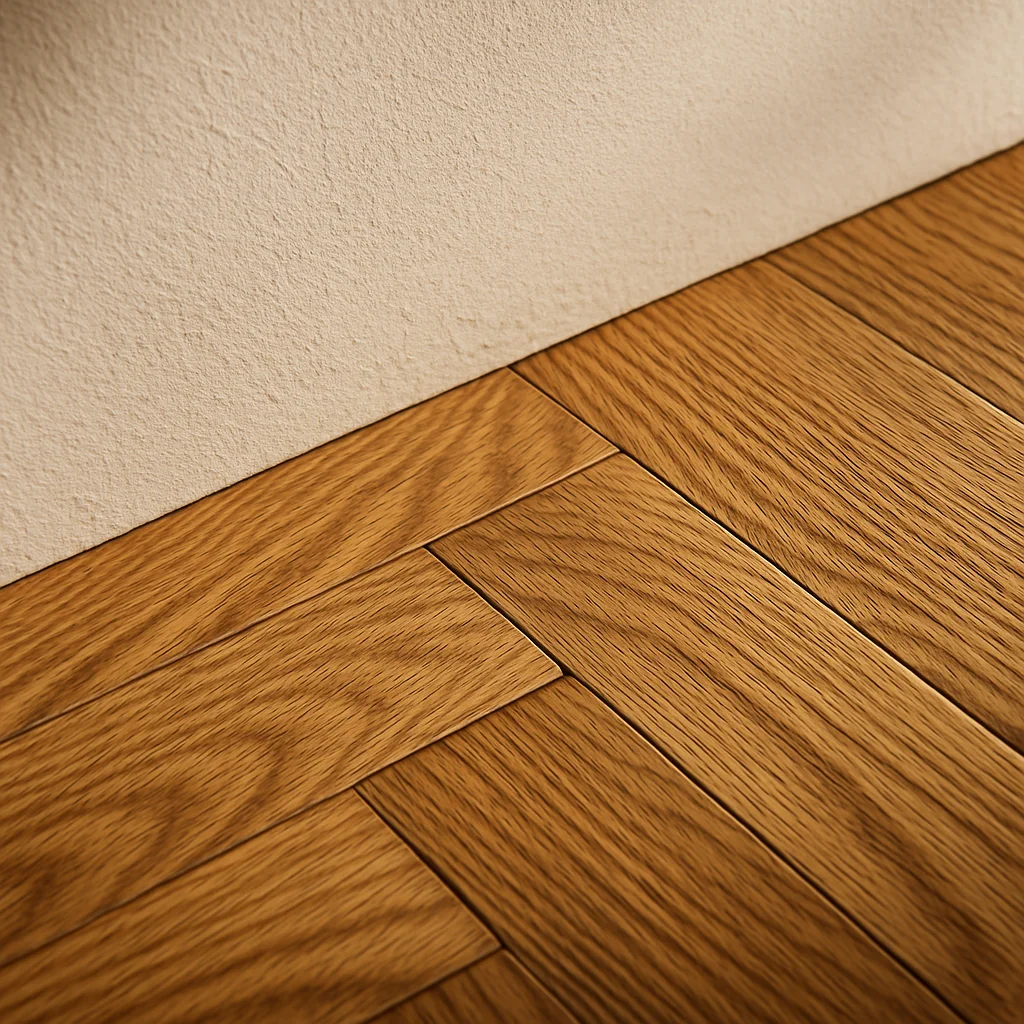
What you get back
How it works
One shot from the doorway, floor visible, daylight on. No measuring, no floor plan.
Redesign, stage, repaint or rebuild it from text — in any of 12+ interior styles.
A shoppable furniture list, the paint palette and a cost estimate come with every result — start with a free account, then choose Pro when you need more designs.
No. It only adds resolution and sharpness; colours and layout stay identical.
PNG or JPEG at the upscaled size, ready to download from your history.
Guides for this tool
The other 7 tools
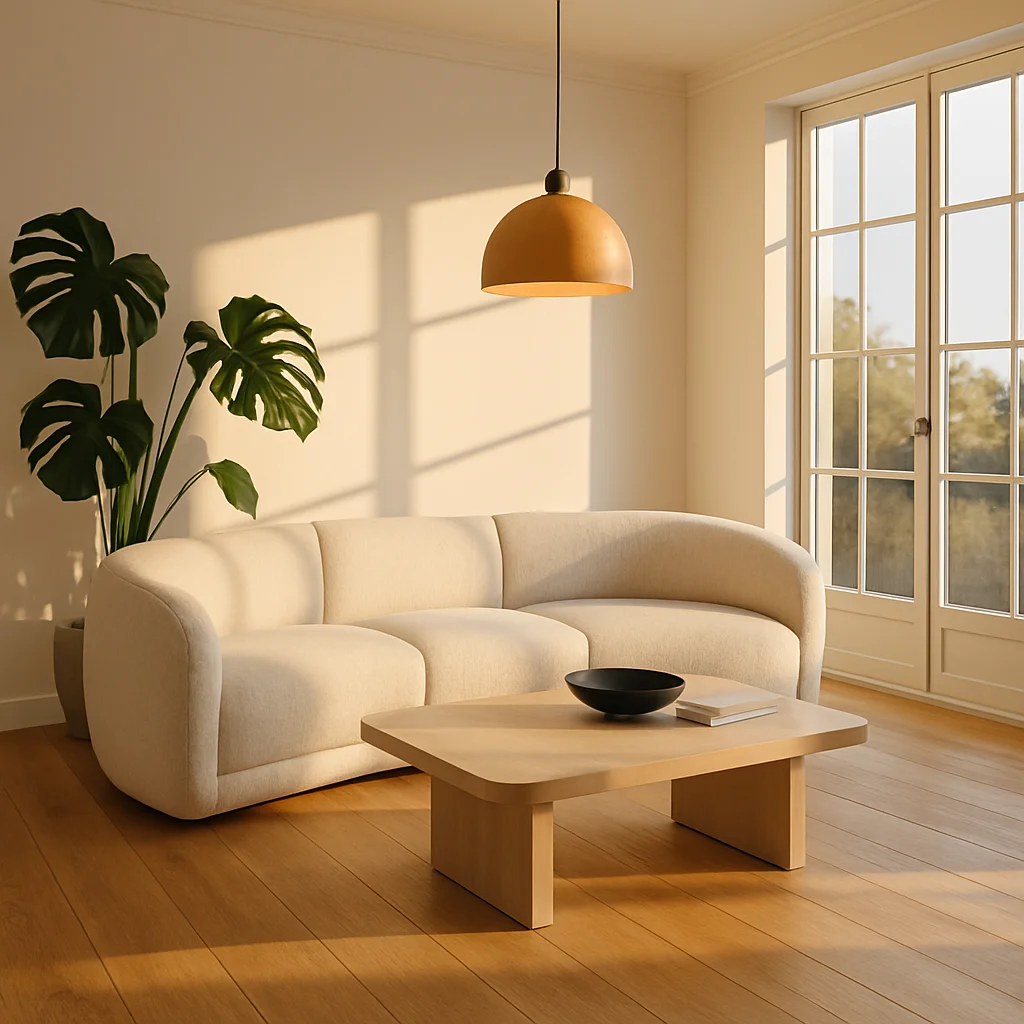 Room Redesign Repaints and refurnishes a room while keeping its walls, windows and layout exactly where they were.
 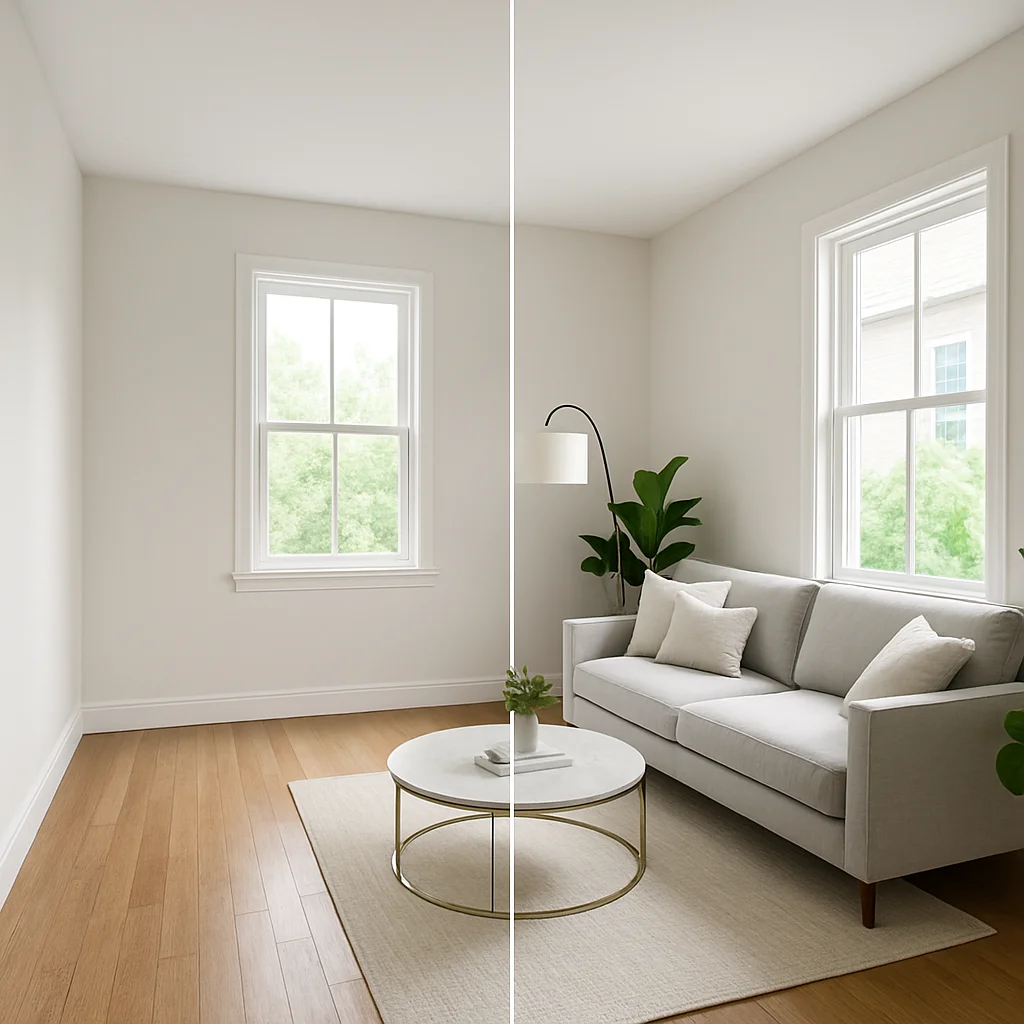 Virtual Staging Furnishes an empty room for listing photos — same shot, shown here as one image split down the middle.
 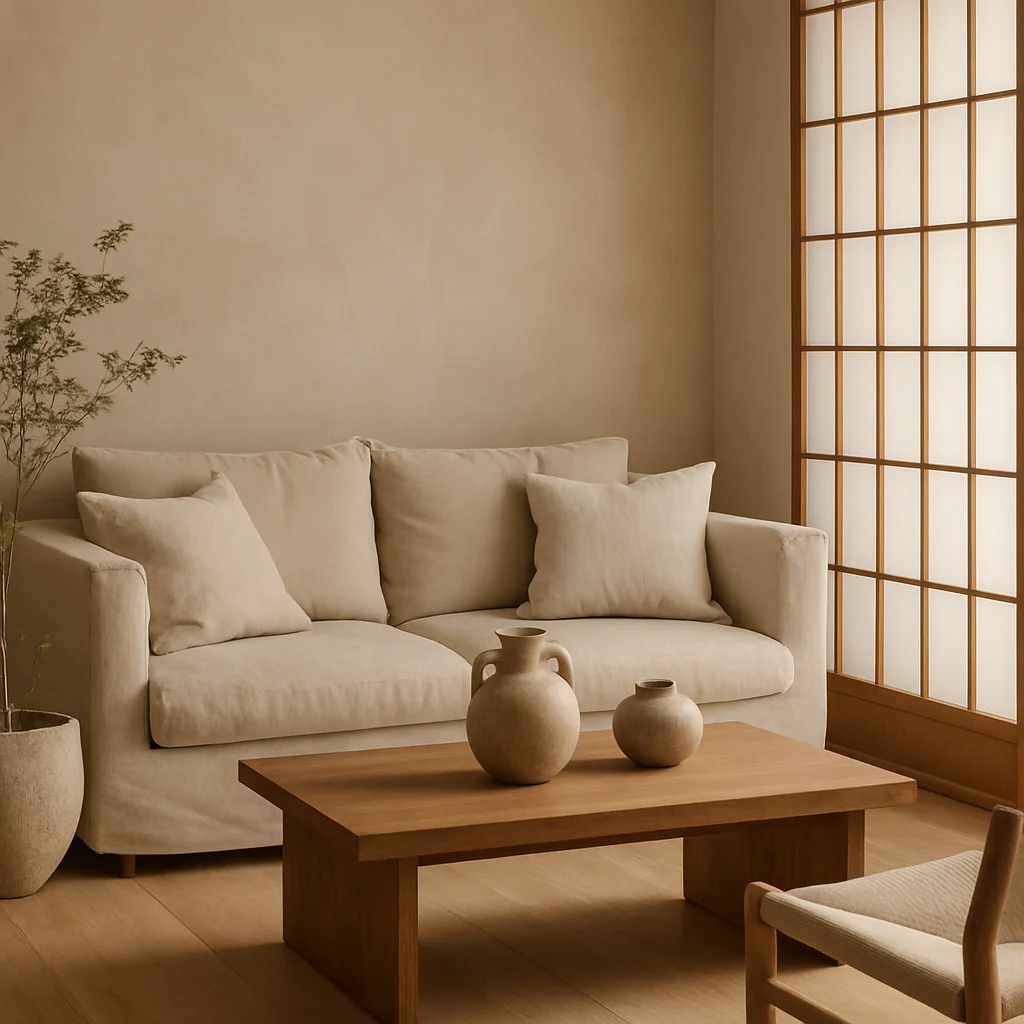 Style Transfer Carries a style — Japandi, mid-century, coastal — into any room without changing its shape.
 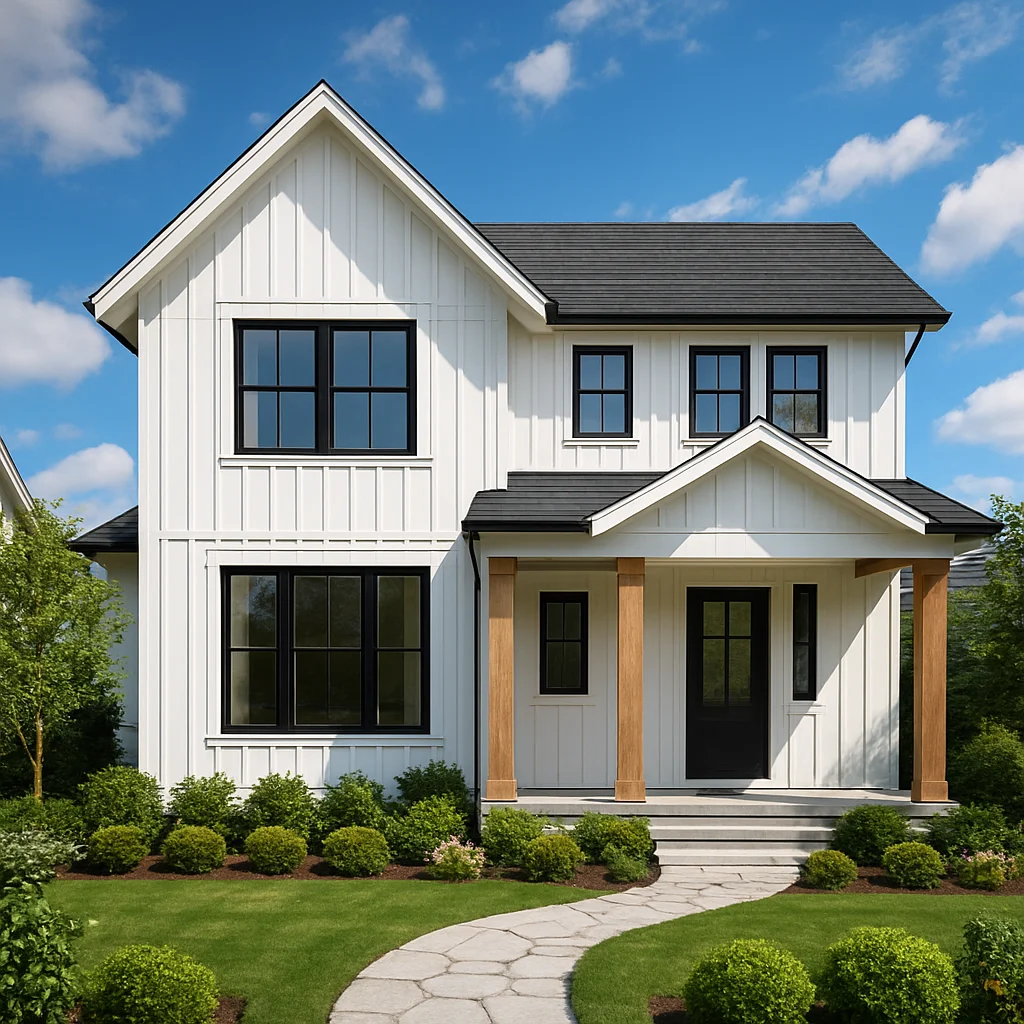 Exterior Redesign Redoes siding, roofline color and landscaping on a house facade.
 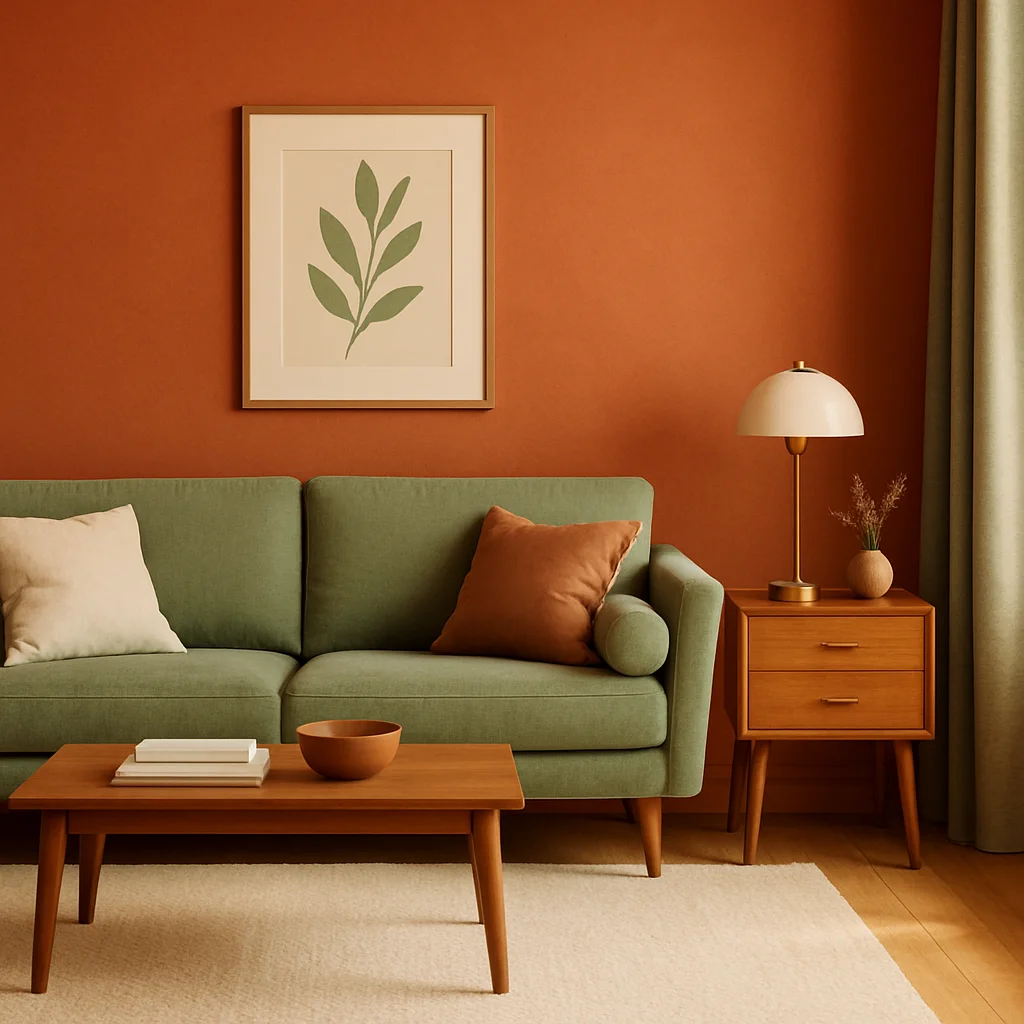 Color Palette Repaints walls, trim and accents in a coordinated palette pulled from the chosen style.
 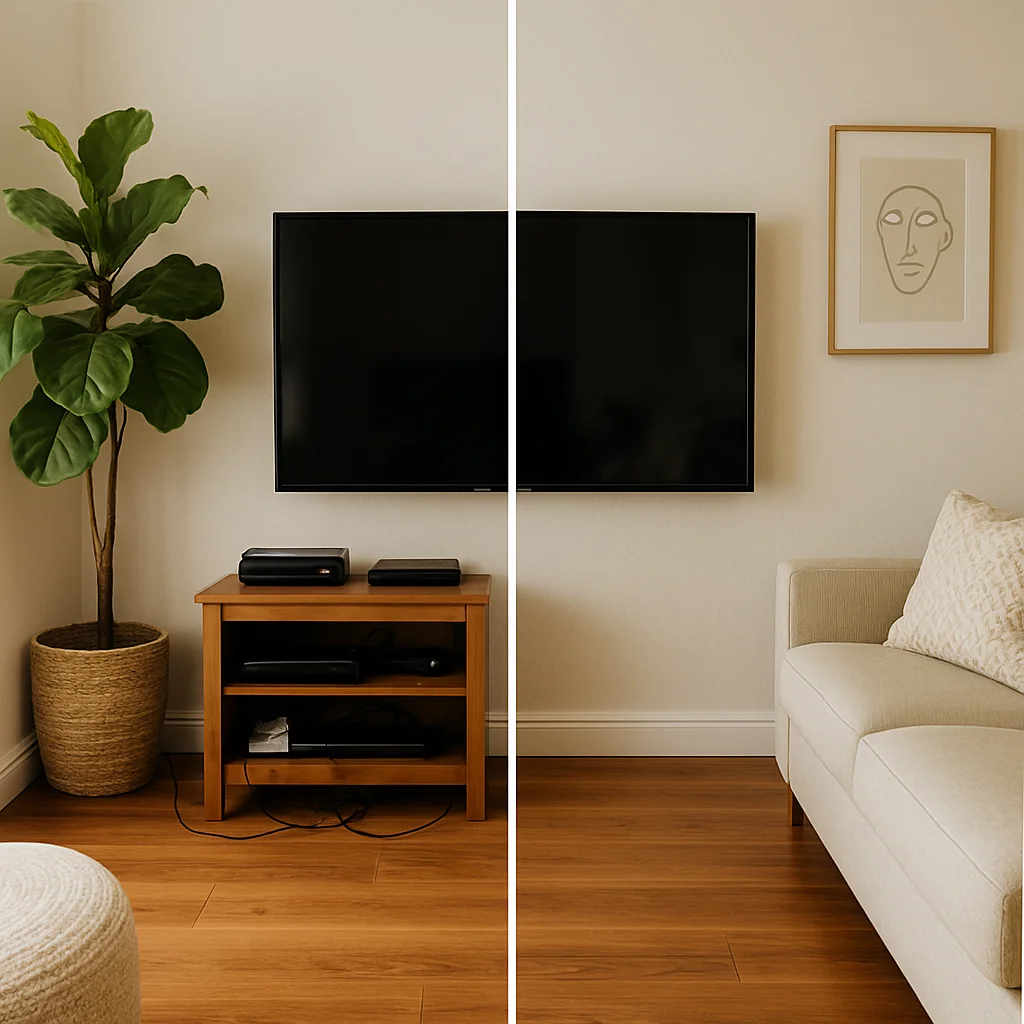 Object Removal Clears clutter or fixtures from a shot without disturbing the rest of the room.
 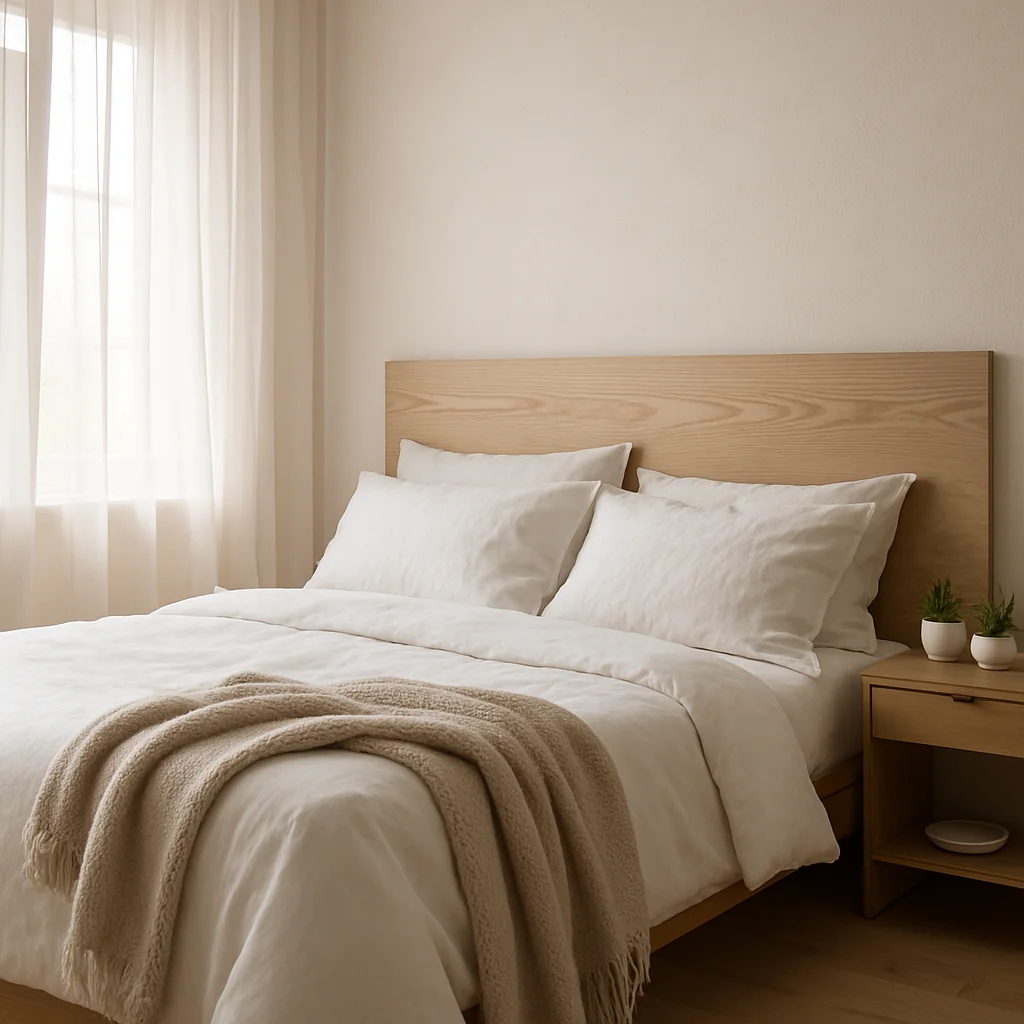 Text to Room Builds a room from a written description alone — no starting photo needed.
 Homie runs every idea on this site on your actual room — redesign, staging, paint palette and a cost estimate, in under a minute.