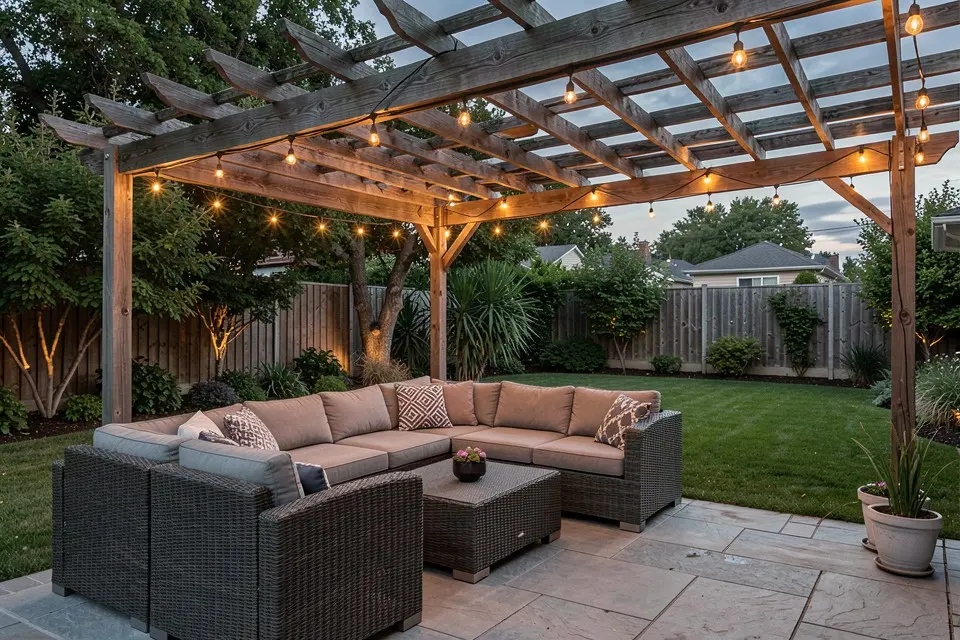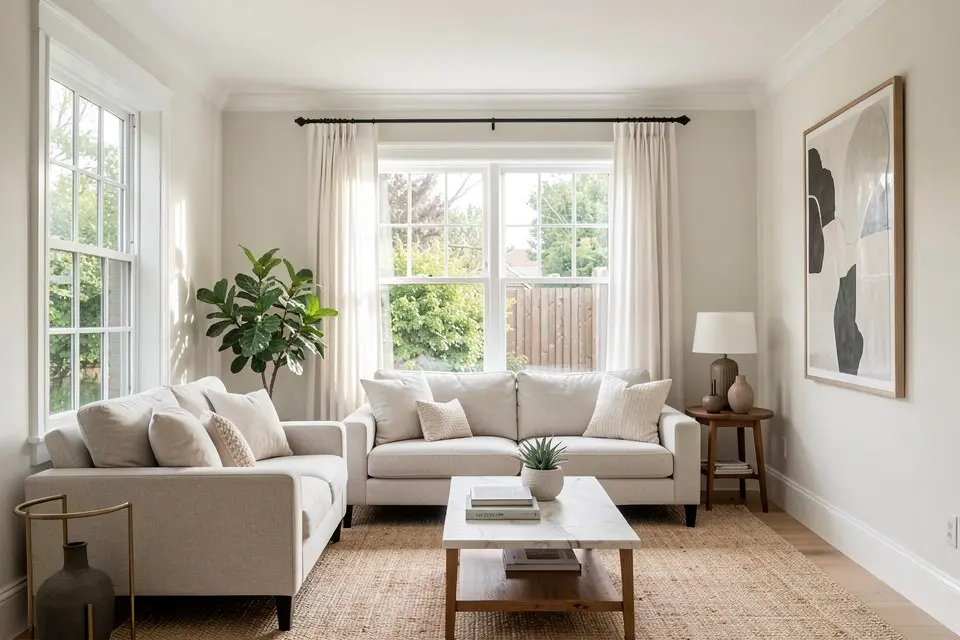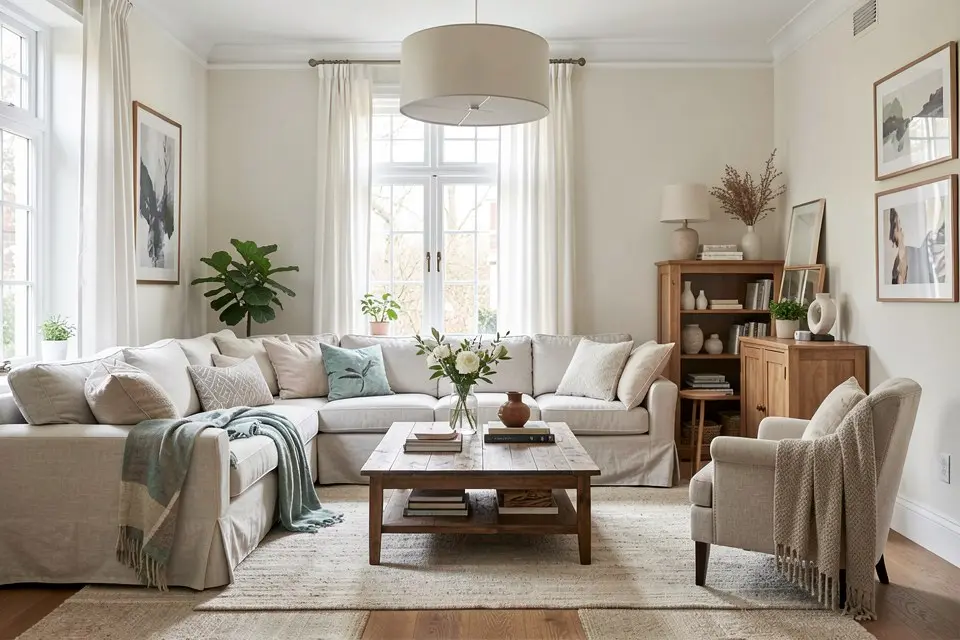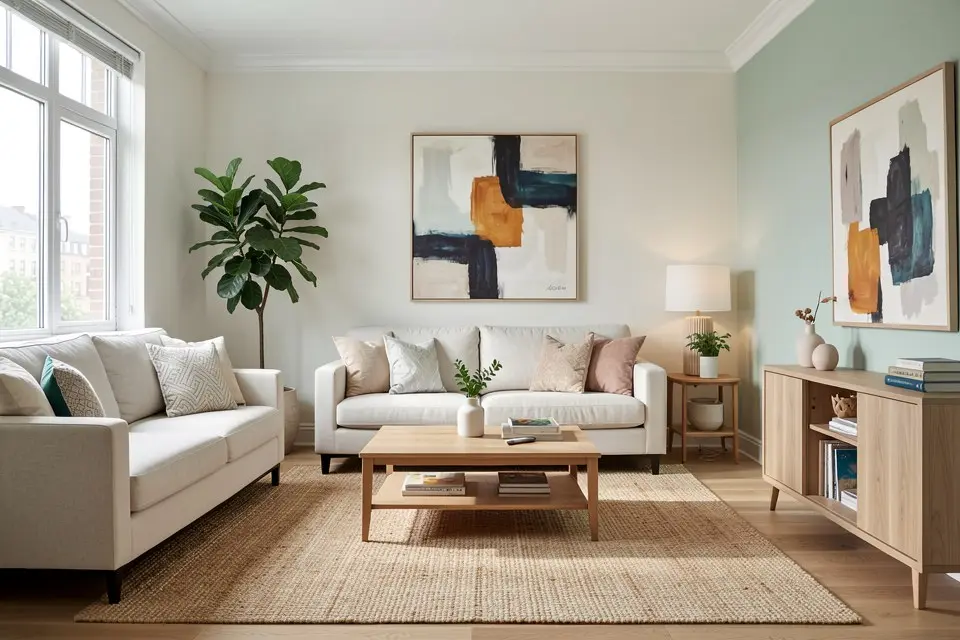
The single biggest factor in whether an AI room redesign looks right is the photo you start with, and most bad results trace back to the photo, not the AI.
Every Homie feature, Room Redesign, Style Transfer, Virtual Staging, works from your source photo as its foundation. A blurry, dark, or badly-angled photo gives the model a weak read on the room’s actual proportions and light, and no amount of prompting fixes that afterward; what AI interior design can and cannot do covers the other limits worth knowing up front. Getting the photo right is the highest-leverage five minutes in the entire process.
The angle that actually works
Stand in the corner of the room diagonally opposite the area you care most about, and shoot toward that corner. This gets two walls and the floor into frame, which gives the AI real information about the room’s proportions and depth. A shot taken straight-on at a single wall, common when people just turn around and snap whatever’s in front of them, flattens the room and gives the model much less to work with.
Avoid shooting from a doorway looking straight down the room’s length unless the room is genuinely narrow. That angle compresses everything and tends to produce redesigns where furniture scale looks slightly wrong, because the AI is working from a distorted read of the actual floor area.
Light matters more than camera quality
Shoot during the day with curtains or blinds open, and turn on the room’s ambient lighting too, so the shot isn’t lit by window light alone with dark corners. Avoid shooting at night with a single lamp on, since uneven, warm, single-source light skews how the AI reads wall colors and material tones, and that skew carries into the redesign.
A midday shot with even light beats an evening shot every time, regardless of what camera you’re using. Phone cameras are entirely sufficient for this; the constraint is lighting and angle, not resolution. If you need a larger print or listing-size output later, upscaling the finished render handles resolution at the end, not the start.
What good and bad input actually look like
| Good input | Bad input |
|---|---|
| Corner-to-corner angle, two walls plus floor visible | Straight-on single wall, or extreme close angle |
| Daytime, curtains open, ambient lights on | Nighttime, single lamp, harsh shadows |
| Room mostly clear, obvious clutter minimal | Cluttered floor and surfaces dominating the frame |
| Camera held level, not tilted up or down | Tilted shot exaggerating ceiling height or floor space |
| Full room in frame, nothing cropped mid-furniture | Furniture cut off at the frame edge |
How to actually do it
- Open curtains and blinds, and turn on the room’s regular ambient lighting. Do this even during the day.
- Stand in a corner, diagonally opposite the area you want featured, far enough back to fit two walls and the floor in frame.
- Hold the camera level, not angled up toward the ceiling or down toward the floor.
- Take three or four shots from slightly different positions within that corner. You want options, not just one attempt.
- Check the shot for obvious clutter or clipped furniture at the frame edges before moving on. If clutter remains and you don’t want to physically tidy, note it. You can clean it up digitally next.
- If there’s still visible clutter in your best shot, run Object Removal on it before starting your redesign. It’s faster than restaging the actual room.
Where this matters most
Photo quality matters for every Homie feature, but it matters most for Room Redesign and Style Transfer, both of which are reading the existing layout closely to preserve or transform it. It matters slightly less for Virtual Staging, since an empty room has fewer competing details to misread, but the angle and lighting guidance still applies fully there too.
If you’re photographing a room specifically for a real estate listing rather than a personal redesign, the same principles apply with slightly higher stakes: see listing photo tips that actually get more showings for the real estate-specific version of this same advice, including staging considerations that don’t apply to a personal home redesign.
Common mistakes
The most common mistake is shooting at a downward or upward tilt to try to fit more of the room in frame. This distorts proportions and confuses the AI’s read of ceiling height and floor area. Step back further instead of tilting the camera.
The second is photographing at night under a single warm lamp because it’s convenient. The color and shadow information in that shot will skew your redesign’s palette in ways that are hard to predict and annoying to correct after the fact.
The third is not taking multiple shots. A single photo, if it turns out to have a problem you didn’t notice, like a clipped piece of furniture or a reflection in a window, means starting over. Take a few options every time.
Try it yourself
Before your next redesign in Homie, spend five minutes getting the photo right: open the curtains, turn on the lights, shoot from a corner with two walls and the floor in frame, and take a few options. The redesign that follows will be measurably better for it.