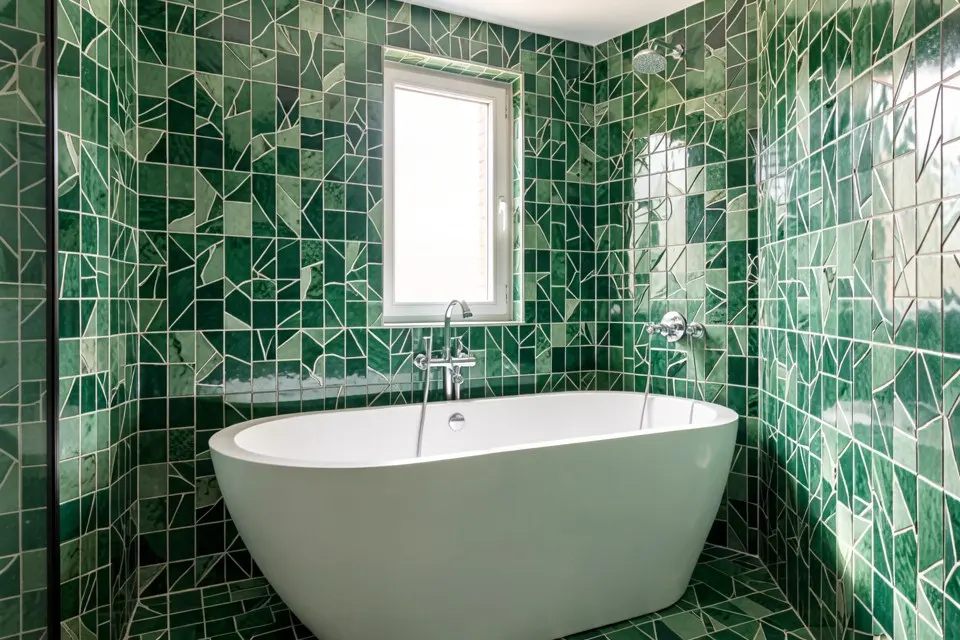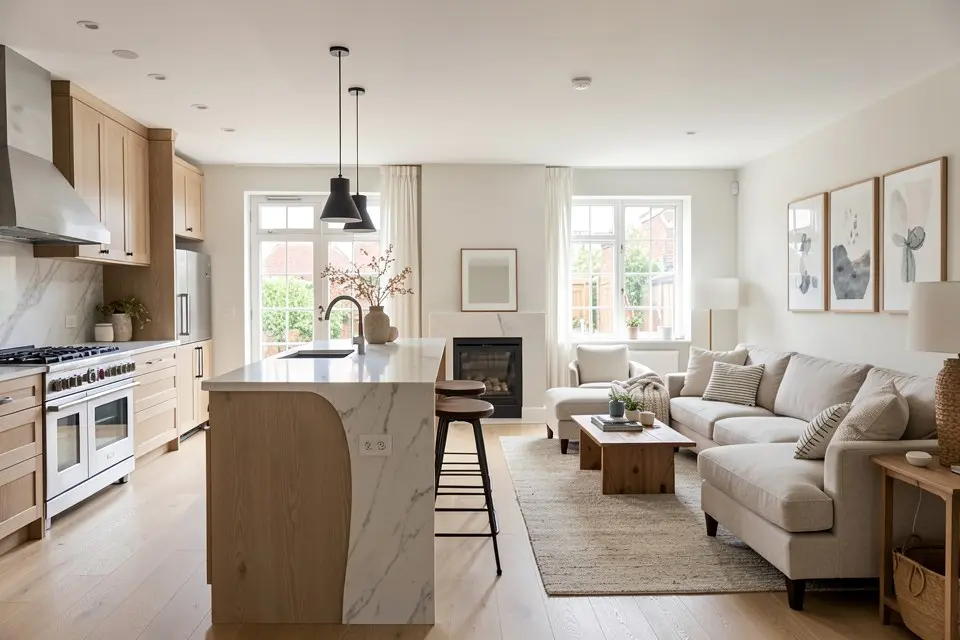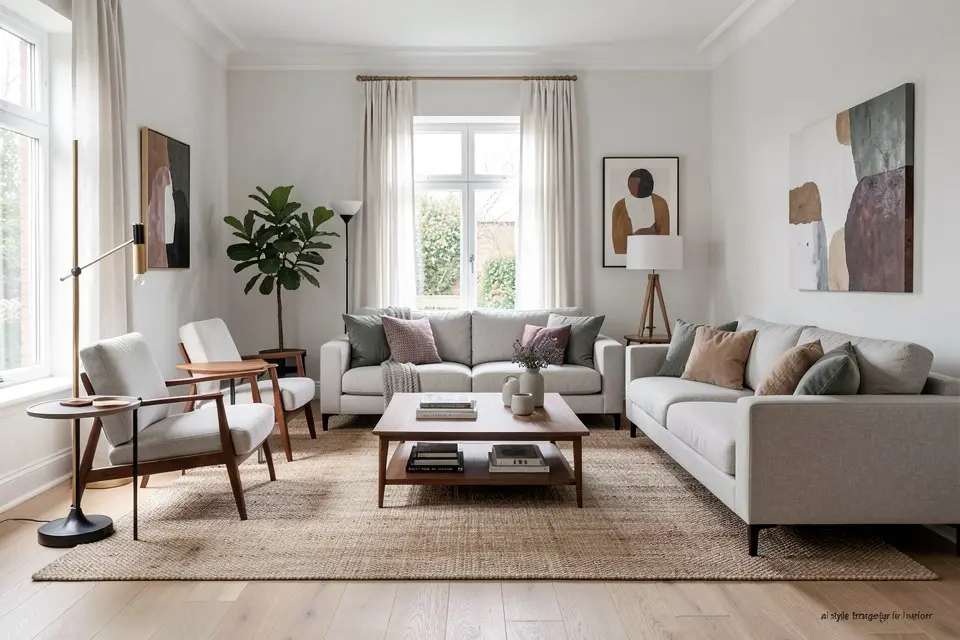
Style Transfer keeps your room’s layout, furniture positions, and proportions intact and changes the look on top, which makes it the tool to reach for when you already like how your room is arranged and only want to test a different aesthetic.
This is the feature people confuse most often with Room Redesign, and the confusion costs time. Room Redesign is willing to move furniture, change the layout, and rethink the whole space. Style Transfer deliberately doesn’t. It holds the geometry fixed, the sofa stays where the sofa is, and reinterprets everything else: colors, materials, textures, and decor, in a new style.
When to use Style Transfer instead of Room Redesign
| Situation | Feature |
|---|---|
| You like your current layout, want a new look | Style Transfer |
| You want to rethink furniture placement too | Room Redesign |
| You want to compare two or three styles quickly | Style Transfer, run multiple times |
| You’re starting from an empty room | Virtual Staging, not Style Transfer |
Style Transfer is the right call when the question you’re actually asking is “would this room look better as coastal instead of what I have now,” rather than “should this room be arranged differently.” If you’re not sure which question you’re asking, that’s usually a sign you want Room Redesign, since it can answer both at once.
What keeps the layout honest
The reason Style Transfer holds up well is that it treats your source photo’s structure, walls, windows, furniture silhouettes, as fixed constraints rather than suggestions. It changes surface properties: what the sofa is upholstered in, what color the walls are, what the light fixtures look like, without moving anything. This is genuinely useful when a room’s bones are already right and the only real question is aesthetic direction.
It has a limit, though. Because it’s committed to your existing furniture silhouette, it works best when your existing furniture could plausibly exist in the target style. Trying to Style Transfer a bulky sectional into a minimalist Japandi look will produce an odd result, because a sectional doesn’t really belong in that aesthetic no matter how it’s reskinned. In that case, Room Redesign, which can swap the furniture itself, is the better tool.
How to actually do it
- Start with a clear photo of the room as it is now. If it’s cluttered, run Object Removal first so Style Transfer isn’t reinterpreting things you don’t want kept.
- Open Style Transfer in Homie and load the photo.
- Choose or describe your target style. If you’re unsure, browse a specific style guide, like farmhouse or industrial, for the vocabulary and defining details of that look.
- Generate and check that the layout held. Furniture should be in the same places; only material, color, and decor should have changed.
- If a piece of furniture looks obviously mismatched with the new style, that’s the sign to switch to Room Redesign for that item instead of forcing Style Transfer to reconcile it.
- Run it again with a second style if you want to compare before committing. This is cheap and often more useful than deliberating over which style to try first.
Common mistakes
The most common mistake is expecting Style Transfer to also fix furniture placement or add missing furniture. It won’t. It works with what’s already in the photo and where it already sits.
The second is choosing a target style that’s fundamentally incompatible with the existing furniture shapes, then being surprised the result looks strained. If your current furniture is heavy and traditional and your target style is stark minimalism, the mismatch will show. Either pick a style closer to what your furniture can support, or switch tools.
The third is running it on a cluttered or poorly lit source photo. Style Transfer changes surfaces, but it still needs to see them clearly first. A dim or cluttered photo gives it less to work with and produces a muddier result. The corner-angle, daylight setup in how to photograph a room for AI redesign fixes most of that.
Try it yourself
If you like your room’s layout and just want to see it in a different aesthetic, load a clear photo into Style Transfer in Homie and name your target style. Run it more than once to compare directions before you commit to paint or furniture.