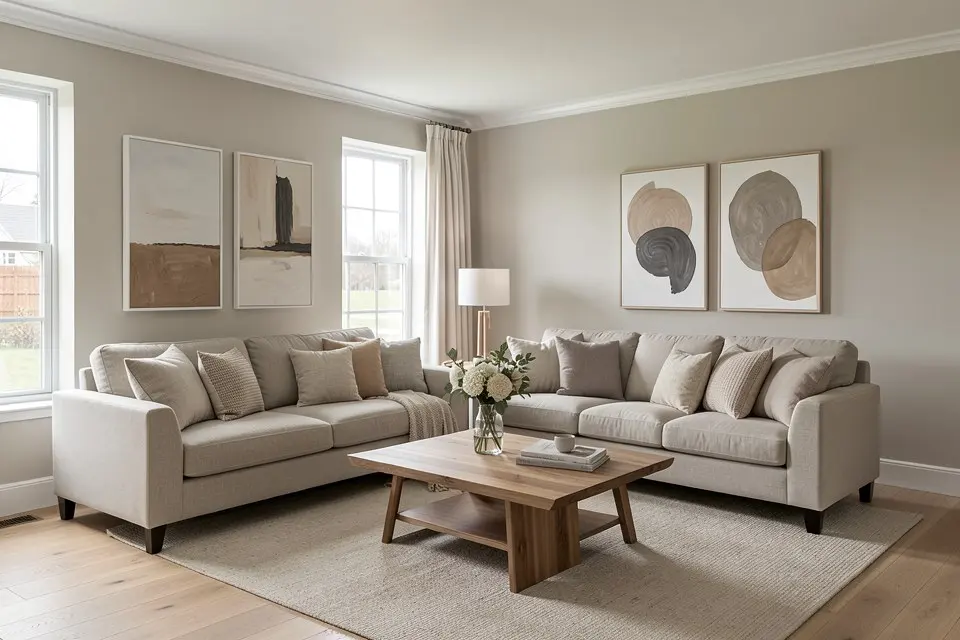
To virtually stage a room you need one good photo of the room empty, an AI staging tool, and about ten minutes of checking. The tool furnishes the photo; your job is choosing the right style for the buyer and catching the mistakes that make staging look fake. Done well, a staged photo costs a few euros instead of the €300 – €900 a month that rented furniture costs per room.
Before you start: the photo
Staging can only be as good as the photo underneath it.
- Shoot at about 1.2 – 1.5 m height, straight at the main wall, in landscape. Corner shots look bigger but make furniture scale harder for the AI to get right.
- Daylight plus every light on. A dark room comes back with dark, muddy furniture.
- Empty means empty. Remove boxes, ladders and cables. Anything left becomes part of the scene or, worse, gets half-replaced.
- Keep it sharp and level. Vertical lines should be vertical; a tilted photo makes every sofa look like it’s sliding.
How to take photos for AI room redesign has the full checklist, and listing photo tips for sellers covers which rooms are worth photographing at all.
Step by step in Homie
- Open Virtual Staging and upload the empty-room photo.
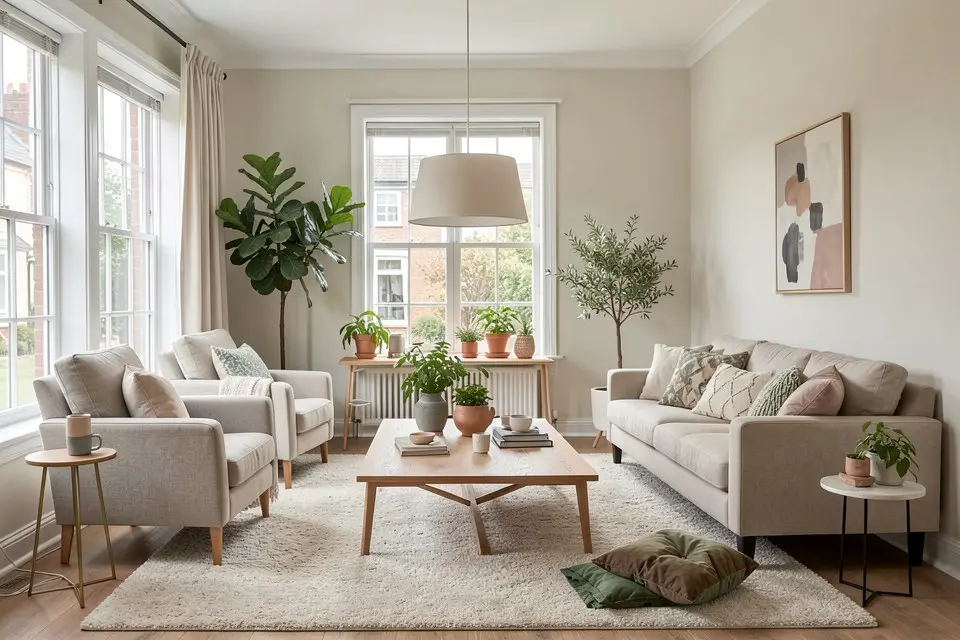
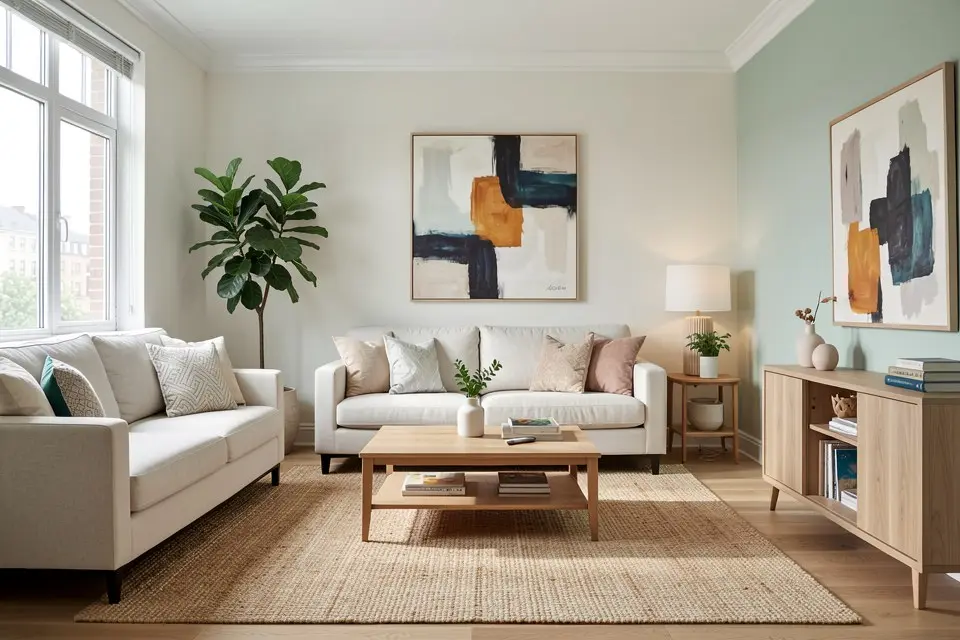
- Choose a style for the buyer, not for yourself. Scandinavian and modern neutral work for most flats; warm transitional suits family houses; a light Japandi look fits small rooms because it stays low and sparse.
- Add one line about the room’s job if it’s ambiguous: “home office”, “child’s bedroom”, “dining room for six”. Unclear rooms are the ones buyers can’t picture.
- Generate two or three versions and compare them at full size, not as thumbnails.
- Check the result against the list below, then upscale the keeper for the portal with the upscaler if your listing site shows large images — how to upscale room photos explains when it helps.
The checklist that keeps it believable
| Check | What goes wrong | Fix |
|---|---|---|
| Scale | Sofa too small for the wall, bed that wouldn’t fit through the door | Regenerate; mention the room type and size |
| Architecture | Window, radiator or door moved or hidden | Never use it — it misrepresents the property |
| Floor | Rug covers a damaged floor | Don’t hide defects; choose a version that shows the floor |
| Light | Lamps glowing in a daylight shot, shadows in two directions | Pick the version with consistent light |
| Clutter | Too many accessories | Fewer objects read as more space |
The rule underneath all of it: staging may show furniture that isn’t there, but never change what the buyer is actually buying.
Furnished, dated or cluttered rooms
If the room has furniture you don’t want in the photo, empty it first. Run the photo through object removal to take out the old furniture, then stage the empty result. Removing clutter from photos covers what comes out cleanly. For a room that is furnished but simply dated, a full restyle with Room Redesign is often a better fit than staging.
Disclosure
Label every staged image. Homie burns a small “Virtually staged” badge into staged videos, and the listing text should say “virtually staged” too; many portals and MLS systems require it. Show the original empty photo alongside the staged one. The details, and why buyers don’t mind staging but do mind hidden defects, are in virtual staging for real estate.
What it costs and which rooms to stage
AI staging tools charge roughly €10 – €50 per photo; agencies that composite by hand charge €75 – €150. The full comparison with physical staging is in the virtual staging cost guide. Stage the living room, the main bedroom and the kitchen-diner first — they carry the listing — and any room whose purpose is unclear when empty. Small rooms gain the most; staging small rooms for listings has the furniture sizes that keep them looking larger.
Turn it into a video
An empty room that fills with furniture is the most effective listing clip there is. With Homie Pro, any staged photo becomes a reveal video in 16:9 and 9:16 — how to make a before and after room video walks through it.
 Homie
Homie