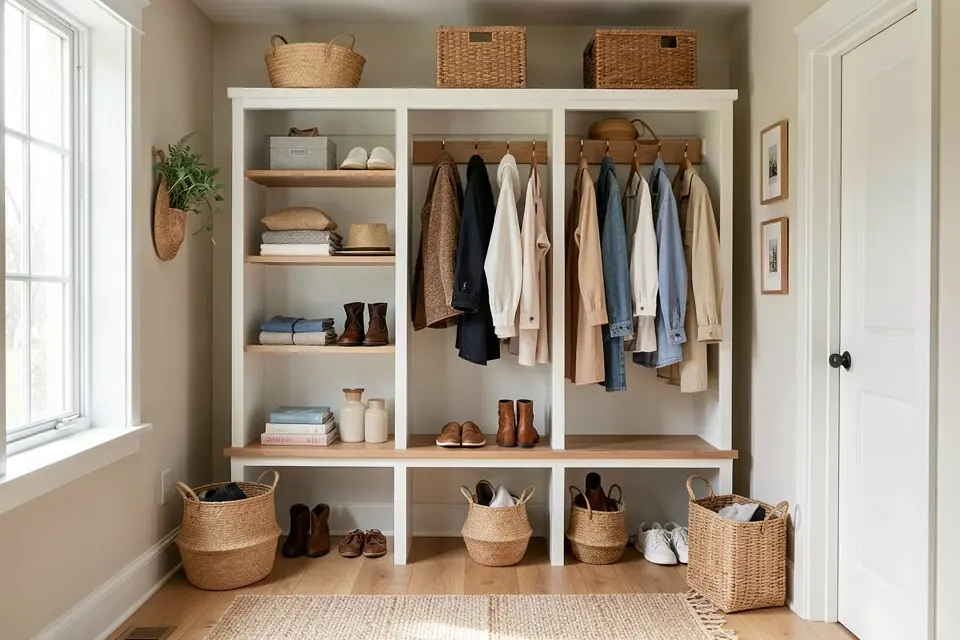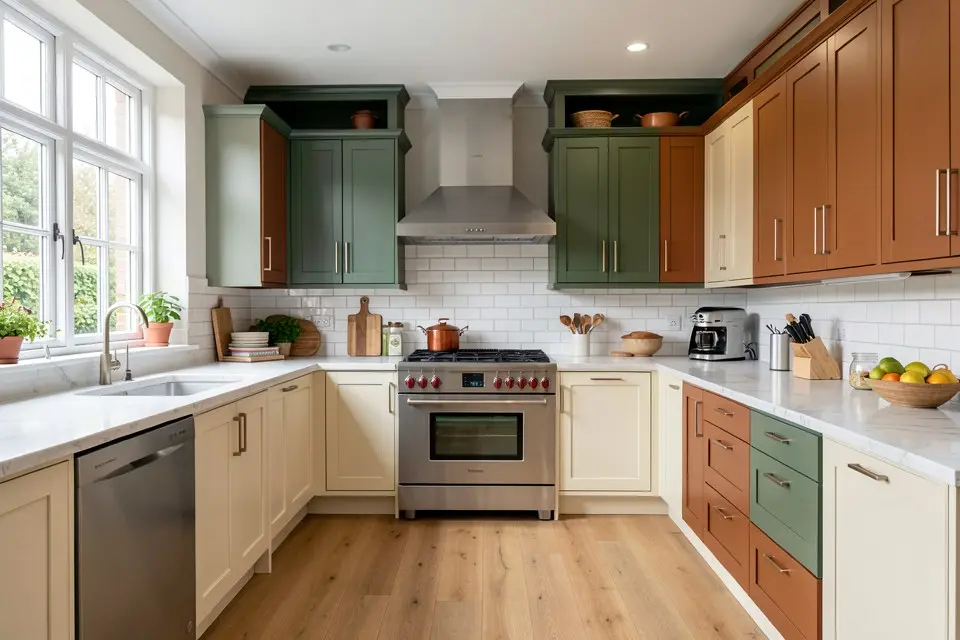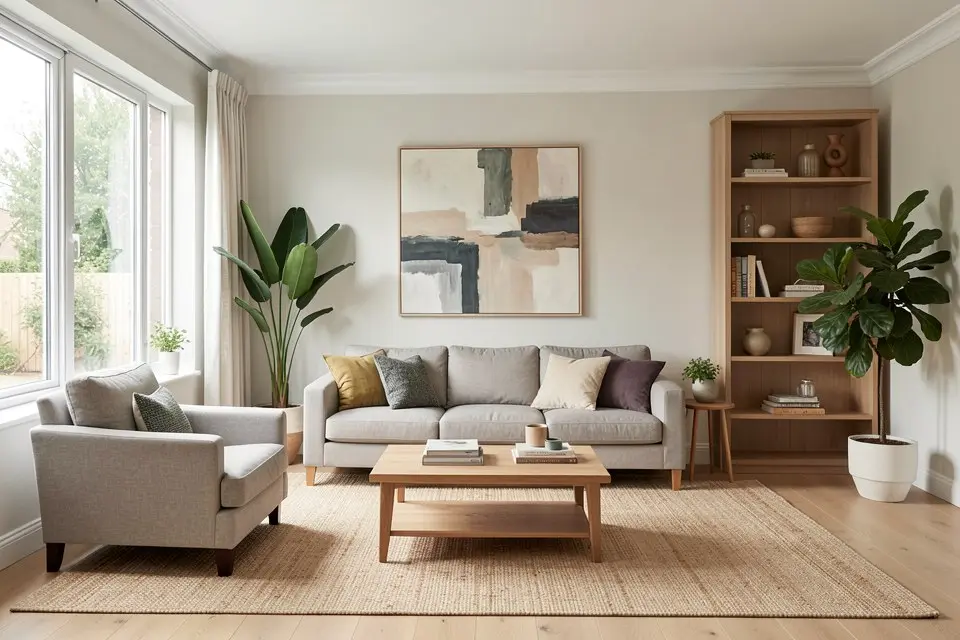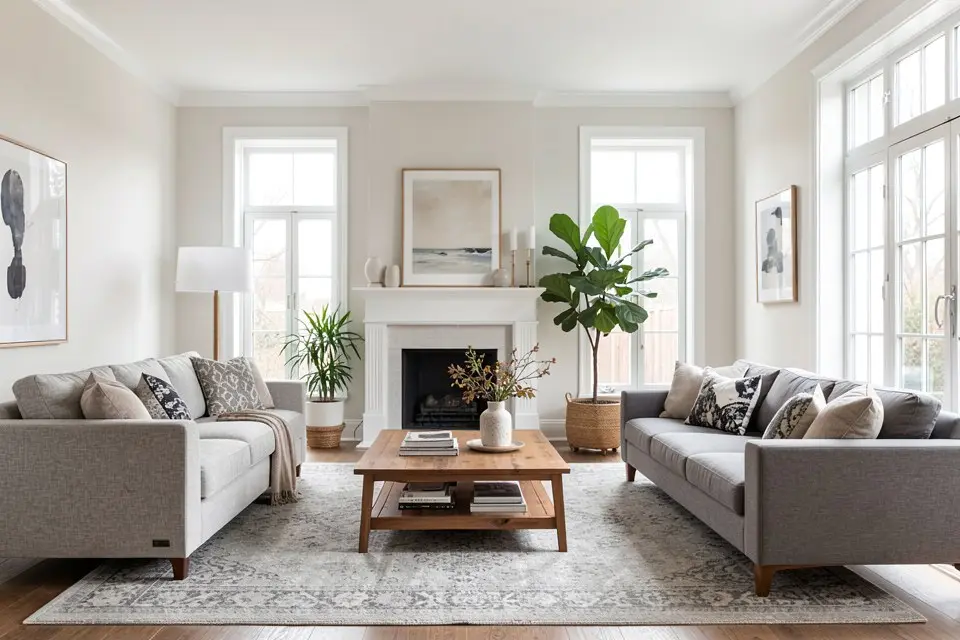
Shop the Look takes a finished Homie redesign and returns real, purchasable products that match the furniture and decor shown in the render, which turns an AI concept into an actual shopping list instead of leaving you to reverse-engineer it yourself.
This is the feature that closes the gap most AI room design apps leave open. You get a beautiful render, and then you’re stuck trying to figure out where to buy a sofa that looks like the one in the image but doesn’t actually exist as a product. Shop the Look does that matching for you.
What it actually returns
For each identifiable piece in your redesign, sofa, rug, lighting, side tables, art, Shop the Look surfaces real products that closely match shape, material, and color. It won’t be the exact item, because the render’s furniture was generated, not photographed from a catalog, but a good match gets you close enough that the room you build will read the same way the render did.
When to use it
Use Shop the Look right after you’ve settled on a redesign you actually want to build, not on every version you generate along the way. If you’re still iterating between two or three Room Redesign or Style Transfer outputs, wait until you’ve picked a direction. Running it on every draft wastes time comparing products for a look you might not keep.
How to actually do it
- Finish your redesign in Homie and make sure it’s the version you actually want to build toward.
- Open Shop the Look on that result in Homie.
- Review the matched products item by item rather than accepting the full list at once.
- Identify your anchor pieces, usually the sofa, bed, or largest furniture item, and prioritize those matches first.
- Cross-check prices against a budget before adding anything to cart. If you haven’t set one yet, work from a furniture budget plan so you know what you can actually spend. If it’s a whole flat rather than one room, how much it costs to furnish an apartment gives the totals to work back from.
- Buy the anchor pieces first, live with them, and revisit the rest of the list for smaller items like art, cushions, or lighting afterward.
Prioritizing the list
Not every matched item deserves the same urgency. A practical way to sequence purchases:
| Priority | Item type | Why |
|---|---|---|
| First | Sofa, bed, dining table | Defines the room, hardest to change later |
| Second | Rug, major lighting | Sets tone, moderate cost |
| Third | Side tables, chairs | Fills out the room, easy to substitute |
| Last | Art, cushions, small decor | Cheap, easy to swap, no rush |
This mirrors the general principle from redesigning any room: buy last, and buy the expensive, hard-to-change pieces before the cheap, easy-to-swap ones.
Common mistakes
The biggest mistake is checking out the entire suggested list in one purchase. Matched products vary in quality and price, and buying everything at once removes your ability to course-correct once the anchor pieces are actually in the room. A sofa that looked right in a render can look different once it’s physically present, and you’ll want to adjust smaller items around it.
The second mistake is expecting exact matches. If you’re disappointed that the suggested rug isn’t identical to the one in the render, you’re using the tool wrong. It’s a close-match engine, not a product database of imaginary items.
The third is ignoring your actual budget in favor of the first suggested product. Shop the Look surfaces options at a range of price points; it’s worth scrolling past the first result to see if a cheaper close match exists, especially for large, expensive pieces. Running a renovation cost estimate on the same render first tells you how much of the total is furniture versus paint and labour.
Try it yourself
Once you’ve landed on a redesign you actually want to build, run it through Shop the Look in Homie, start with the anchor pieces, and work down the priority list rather than buying everything the tool suggests in one go.